Offline transcription
No cloud transcription service. Audio recordings stay in memory.
Open source / KDE Plasma / Early alpha
Speak. Transcribe. Stay local.
Dictation for KDE Plasma. Transcribe speech on your computer with Whisper, then copy the text or enable optional automatic paste.
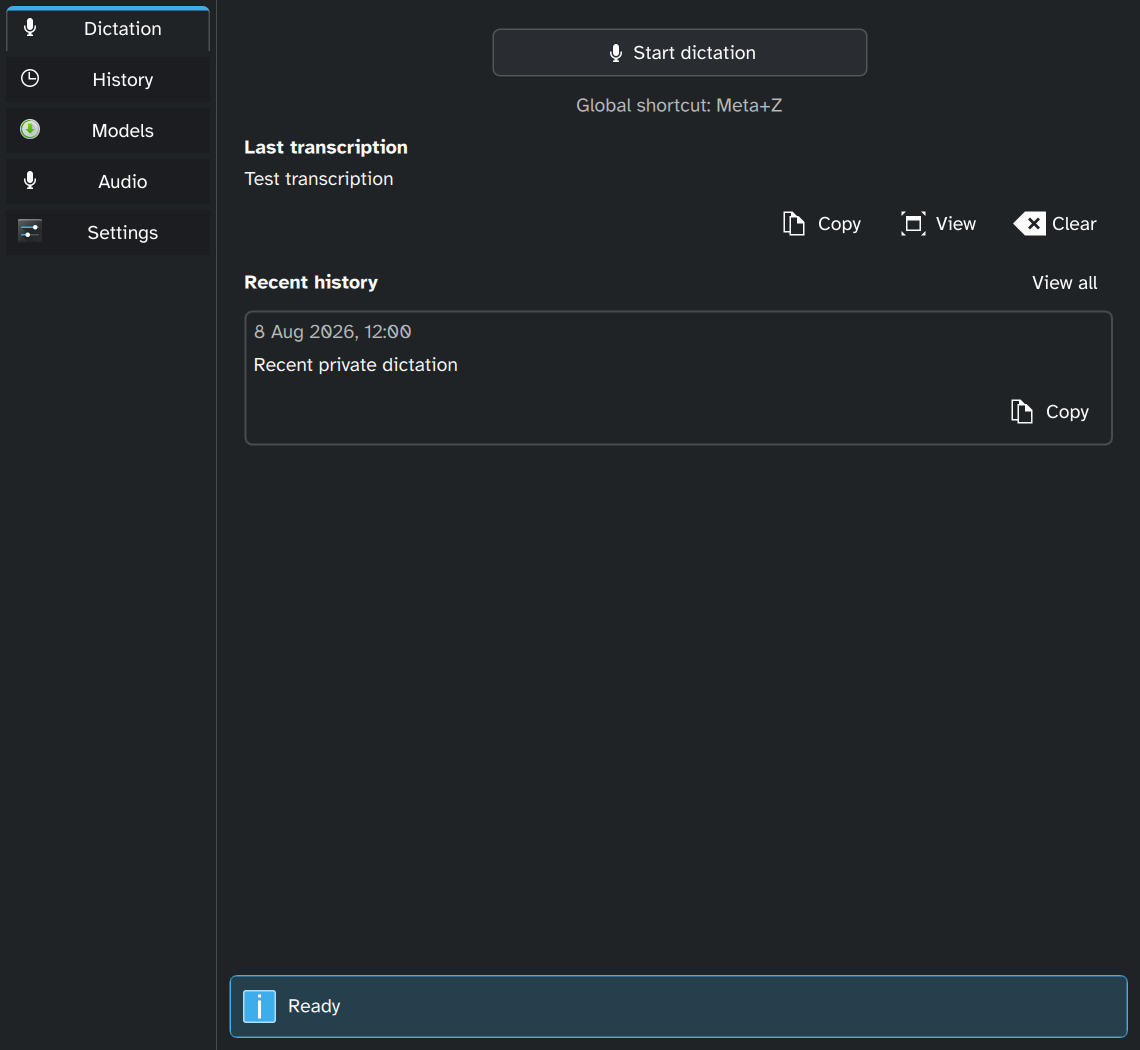
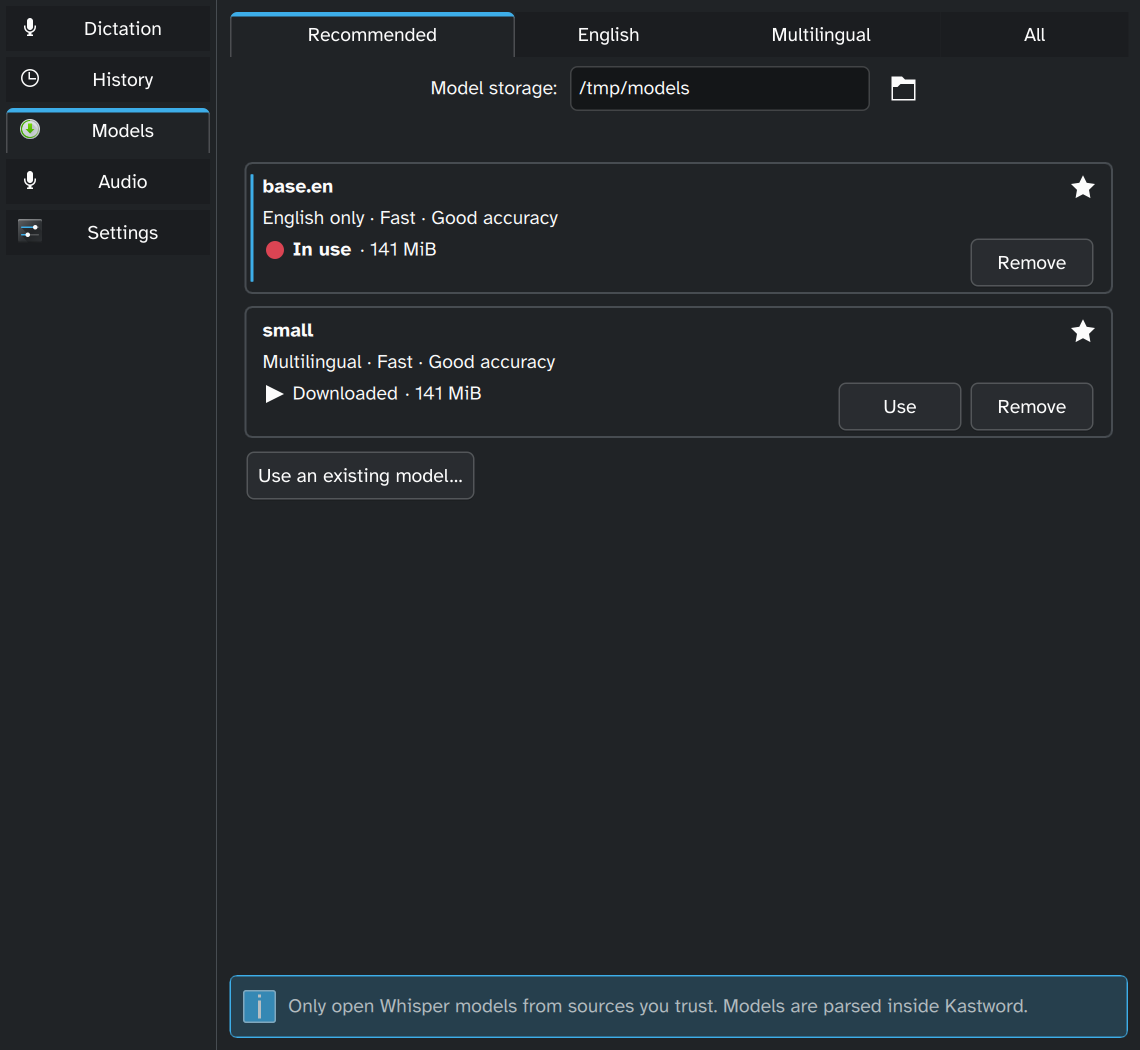
Download a supported Whisper model or select an existing one.
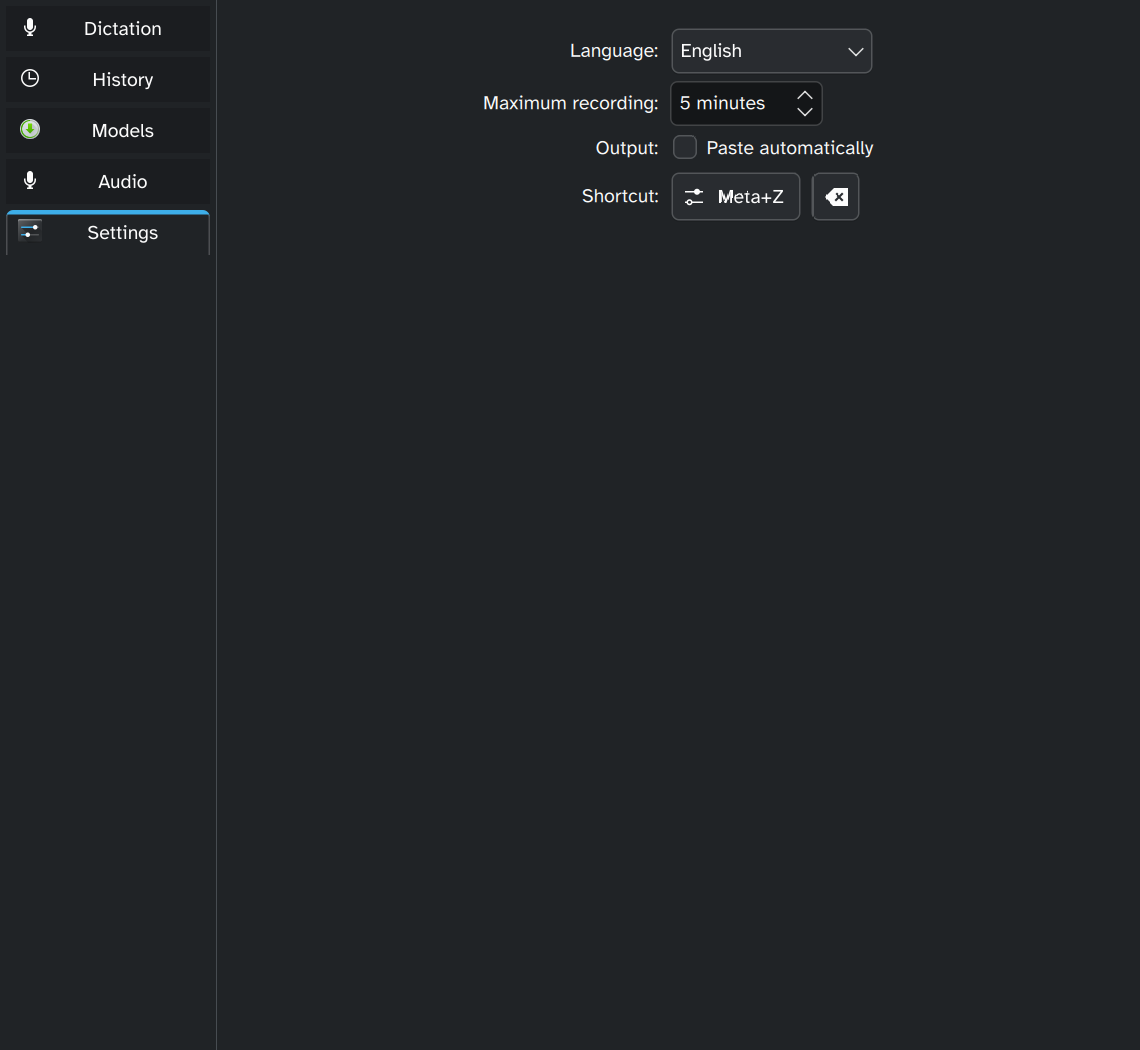
Press Meta + Z to start and stop recording.
Transcription runs locally. Copy the result into your application.
No cloud transcription service. Audio recordings stay in memory.
Download, verify, switch, or remove supported speech models in the app.
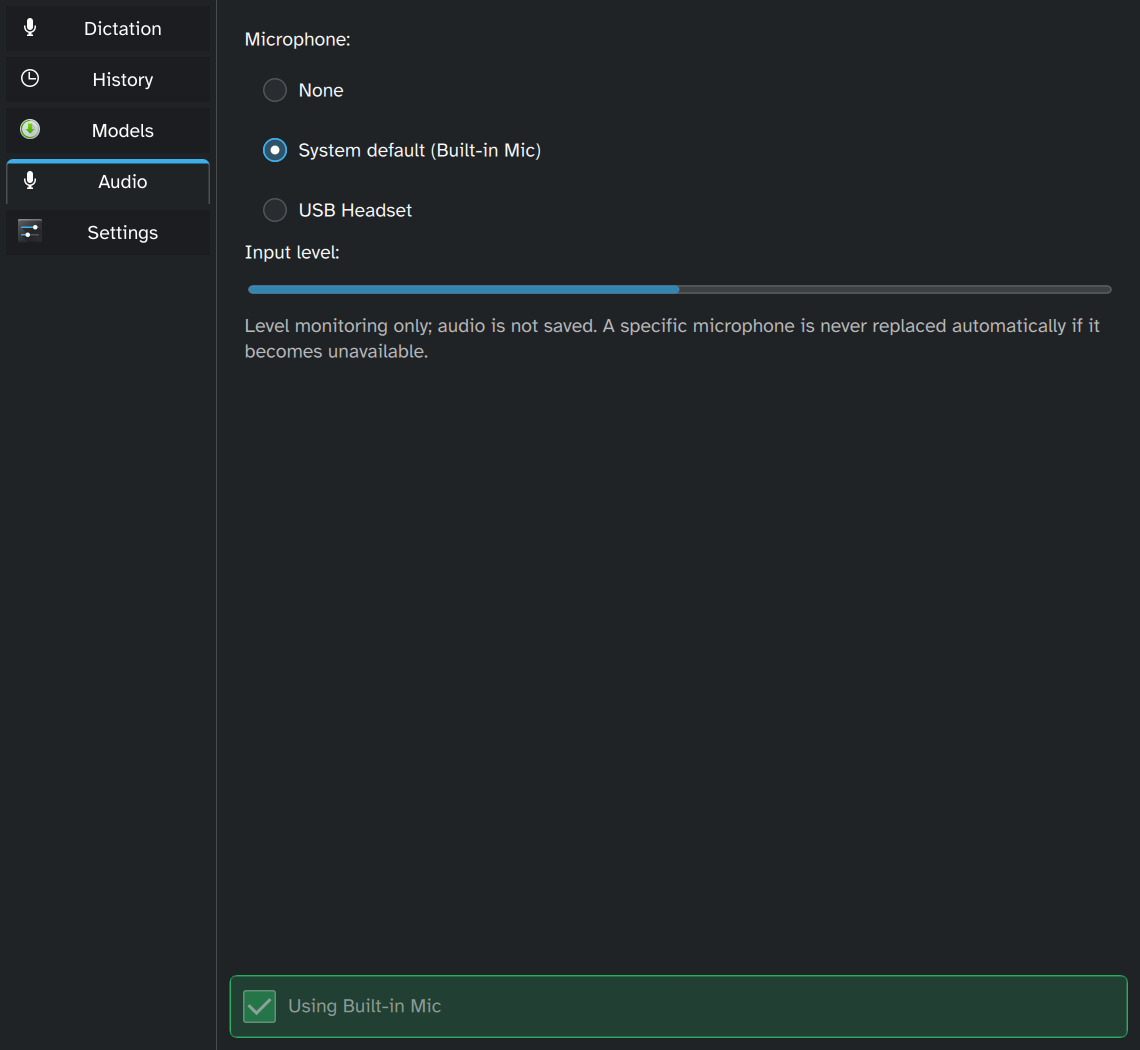
Use the system input, choose a device, or disable microphone access.
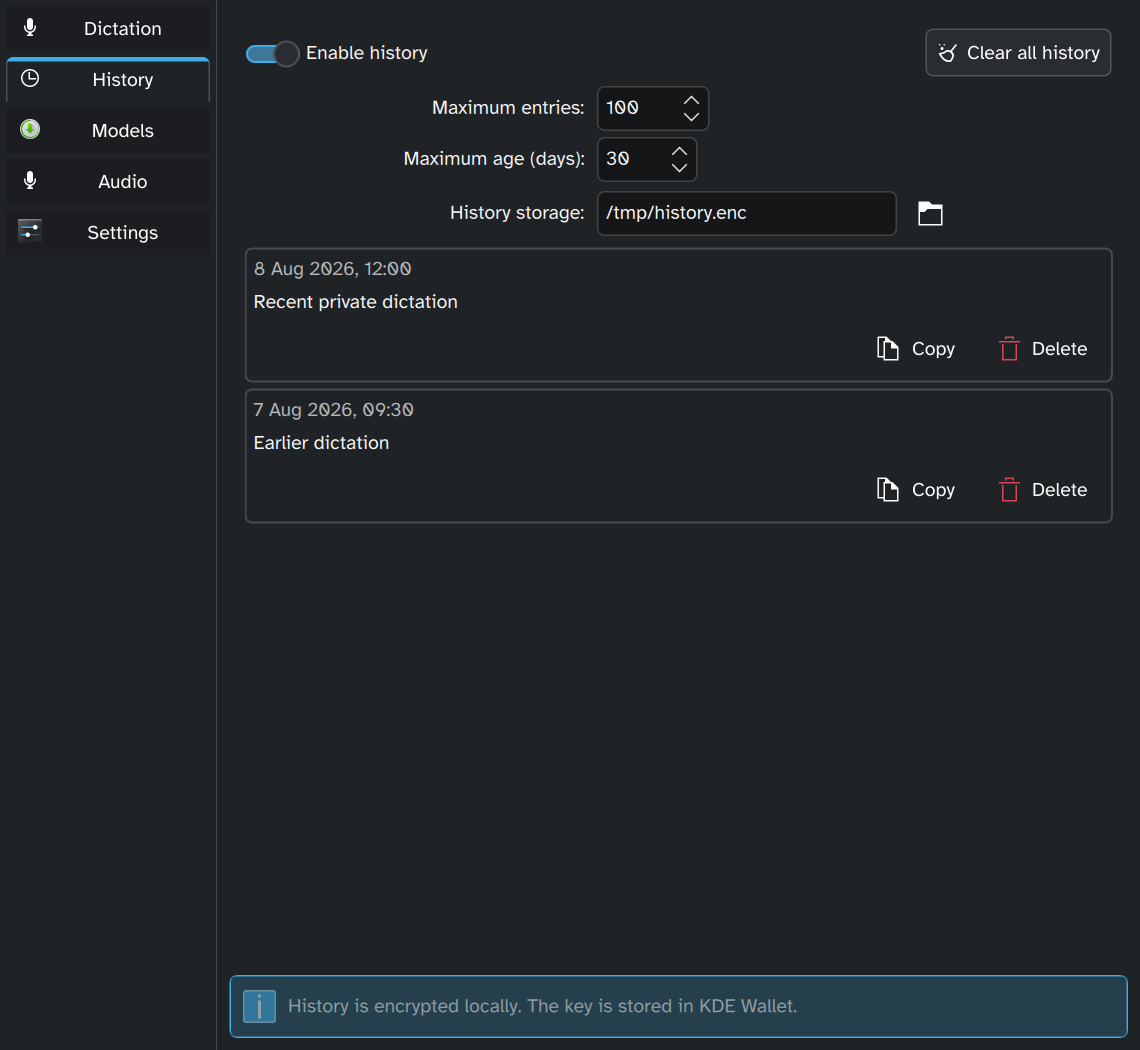
History is off by default. Enable local encrypted history with KDE Wallet.
No supported binary releases yet. Install the documented dependencies, then build and install from source.
Source installation guideExercised on Plasma Wayland. X11 needs broader testing. Automatic paste is optional and requires a separate helper.
Automatic paste setup Report an issue