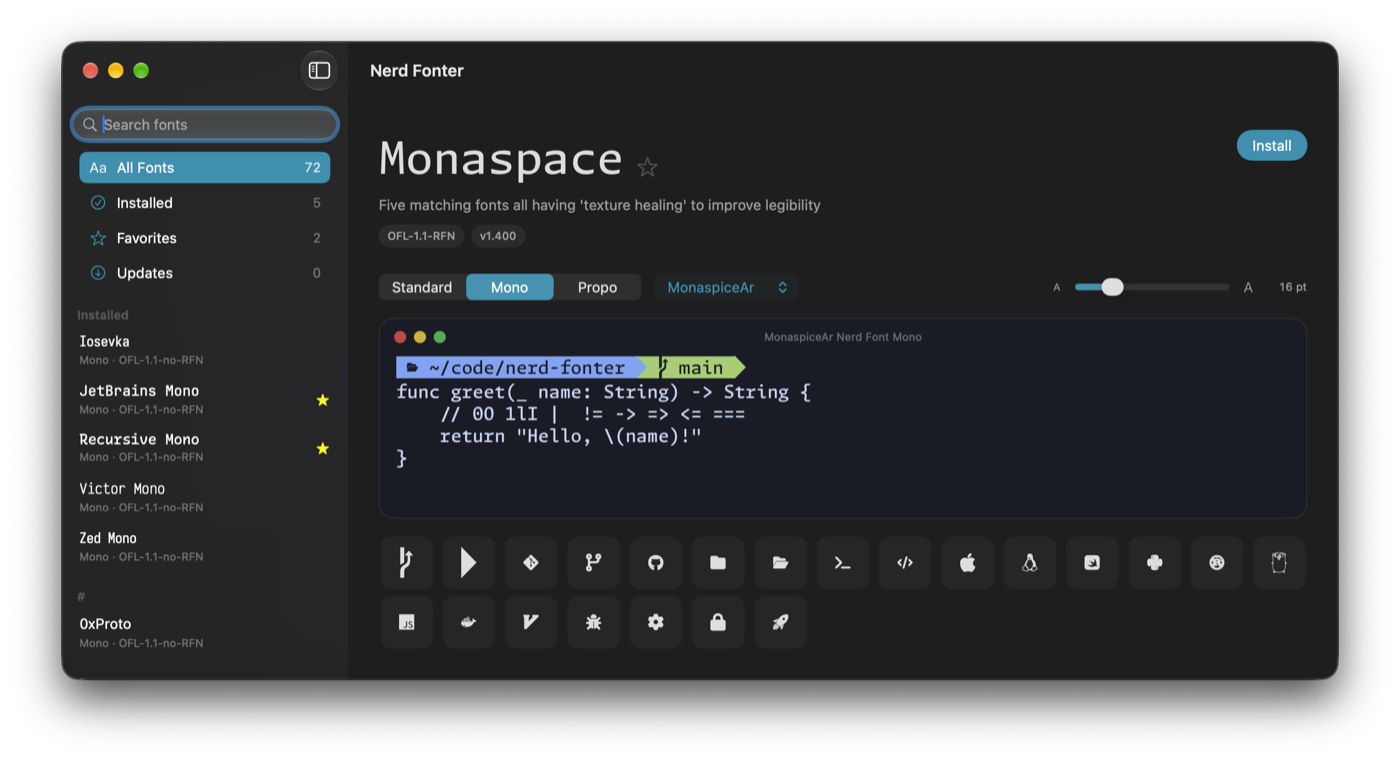
Preview before installing
Only the faces needed for the preview are downloaded.
Open source / macOS / Fonts
Find your font. See it first.
Browse, preview, install, update and remove Nerd Fonts. Compare code and icon previews before choosing a family for your editor or terminal.
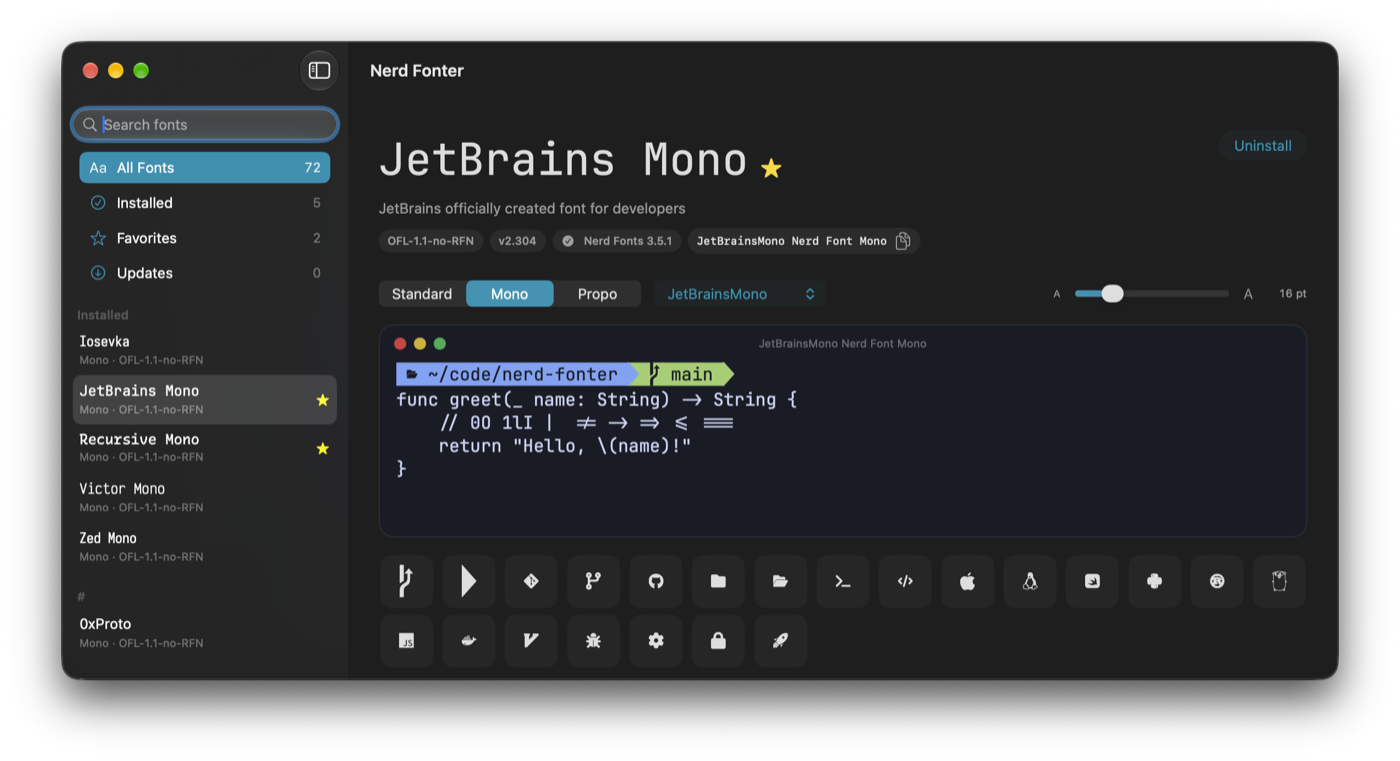
Only the faces needed for the preview are downloaded.
Add Standard, Mono and Propo variants to your user font library.
Detect Nerd Fonts installed through Homebrew or by hand and check for updates.
Save families for later. Removing a font moves its files to the Trash.
Unzip NerdFonter.zip and move NerdFonter.app to Applications.
Download Nerd FonterThe app is unsigned and not notarized. Open it once, then use Open Anyway in System Settings → Privacy & Security.
Installation instructions Report an issue